
Tracking your order
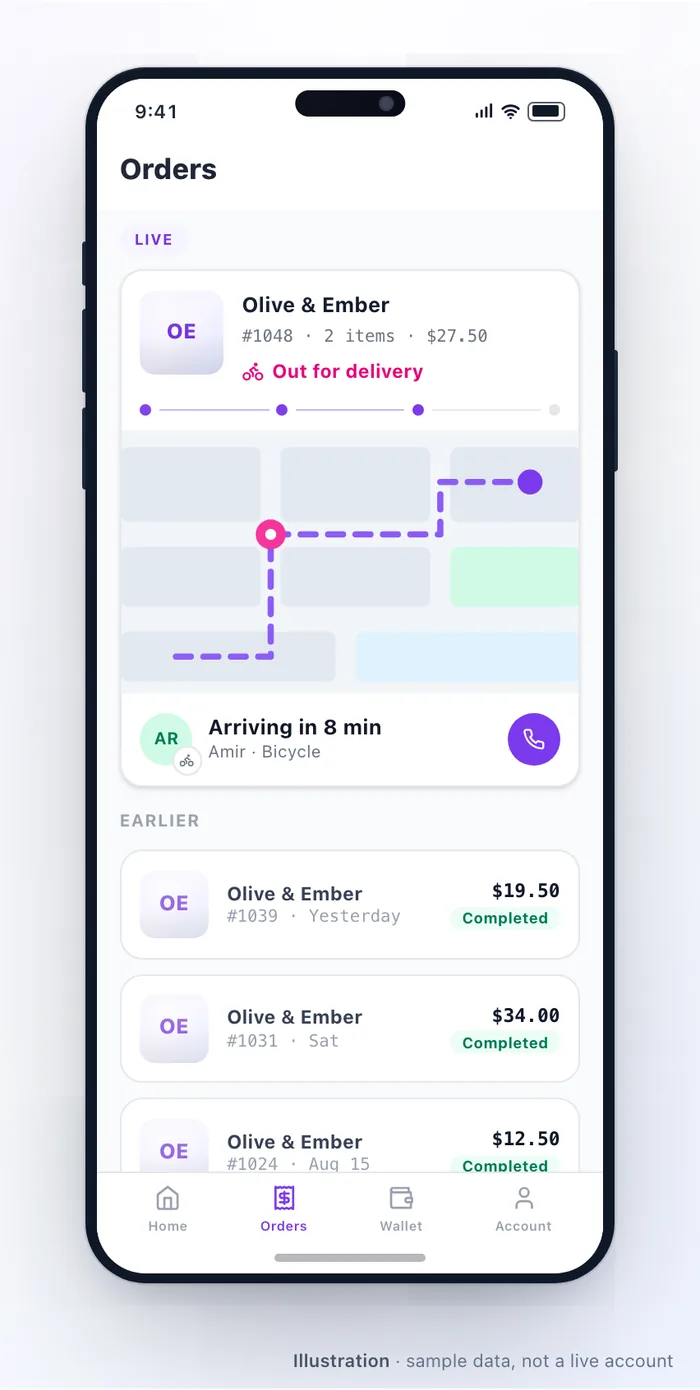
Once you have ordered, the app shows where it has got to. This page explains what each stage means.
The stages
Section titled “The stages”| Stage | What is happening |
|---|---|
| Placed | The restaurant has your order and has not accepted it yet |
| Accepted | They have taken it and given a time |
| Preparing | It is being made |
| Ready | It is ready to collect, or waiting for a driver |
| On the way | A driver has it — delivery only |
| Completed | Delivered or collected |
Not every order shows every stage. A pickup order never goes “on the way”.
The time you are shown comes from how long the restaurant says it needs right now, so it changes with how busy they are. A time quoted at 7pm on a Friday is genuinely longer than the same order on a Tuesday afternoon.
If a kitchen falls behind, staff can raise that time — which is why an estimate occasionally moves after you order. It is better than being told a time nobody can hit.
Following a driver
Section titled “Following a driver”For delivery orders with a driver, you can see them on the map once they have picked your order up. The map goes quiet when the driver stops sharing location — usually because the order is delivered.
Some restaurants use their own drivers and some use a delivery company; either way the tracking looks the same to you.
Handover codes
Section titled “Handover codes”Some restaurants ask for a short code at handover, to make sure an order goes to the right person. If you are asked for one, it is on your order in the app.
If something looks wrong
Section titled “If something looks wrong”| Situation | What to do |
|---|---|
| Stuck on “placed” for a long time | The restaurant may not have seen it. Contact them — their details are on the order |
| The time keeps moving | They are busy and updating their estimate. It will settle |
| Driver map is not moving | The driver may be between deliveries, or has stopped sharing location |
| Marked delivered but nothing arrived | Contact the restaurant straight away; they can reach the driver |
| Order was cancelled | You will be told why, and any refund starts automatically — see Refunds & problems |
| Something is missing from the bag | Contact the restaurant, not the app — they can fix it fastest |
Notifications
Section titled “Notifications”You are told when the order is accepted, when it is ready, and when it is on the way, on whichever channels you have allowed. If you get nothing, check that notifications are permitted for the app on your phone.
Related: Placing an order · Refunds & problems · Paying & your wallet
Was this page helpful?
This site uses a chat widget that sets a cookie so it can keep your conversation. It runs no analytics. See the privacy policy.